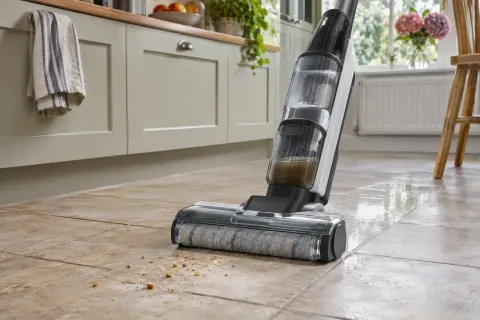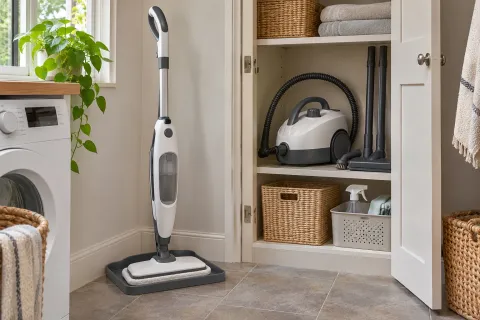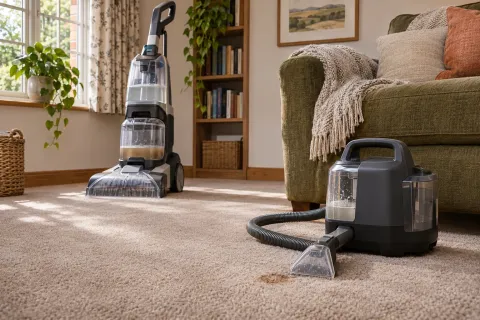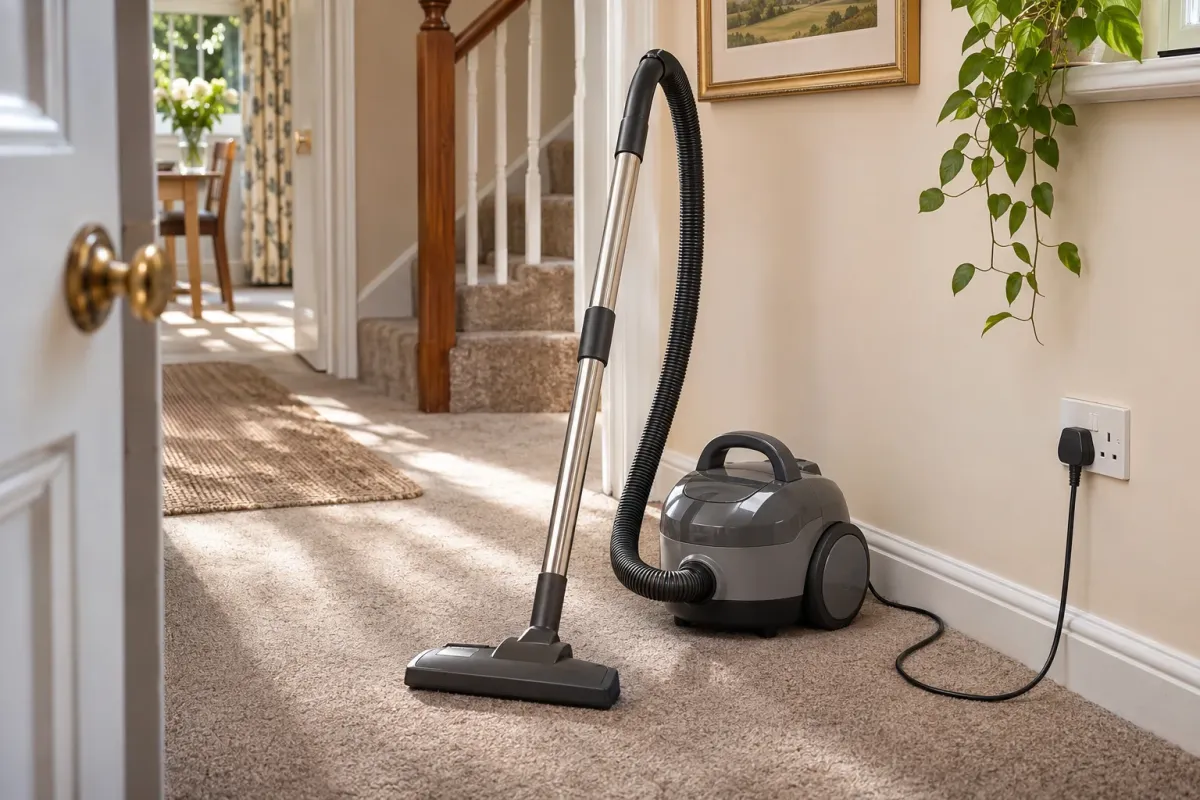
The useful question is whether your vacuum will finish the jobs you actually do, with handling you can live with. A cable gives you mains power throughout a session. A battery frees you from sockets while you clean, but adds charging and a limit on working time.
Corded is a strong starting point for long cleaning sessions; cordless is attractive for frequent short cleans and moving between awkward places. Either can be your main vacuum when the particular machine's cleaning, capacity and tools suit the home. Neither power source guarantees better pickup.
What changes when the cable goes?
| What to compare | Corded vacuum | Cordless vacuum |
|---|---|---|
| A long floor clean | No battery to exhaust; still needs an accessible socket and normal maintenance. | Needs enough usable charge for the floorhead and power setting you use. |
| Moving room to room | Plan cable reach and socket changes. | No cable route; keep the charged machine within easy reach. |
| Stairs and high cleaning | Check hose reach, tools and the body you must carry. | Check handheld weight, balance and tools, not just total weight. |
| Storage | Room for the body, cable, hose and attachments. | Room for the vacuum and a charger, stand or dock near power. |
| Later costs | Bags, filters and other service parts as required. | The same model-specific upkeep, plus possible battery replacement. |
| Cleaning quality | Depends on the head, airflow, design and condition. | The same applies; a long advertised runtime does not prove strong pickup. |
Our vacuum cleaner guide compares both power sources and different shapes. If a battery fits your routine, the cordless vacuum guide explains the model-specific trade-offs.
Think in cleaning sessions, not room counts
A small home can take a long time to vacuum if it has dense carpet, shedding pets and furniture to work around. A larger home may be cleaned in short sessions. Count the time the motor is actually running, then consider the tools and settings used during that time.
If you regularly clean the whole home, the stairs and the sofa in one go, a corded machine removes the battery calculation. You can pause to move furniture without wondering whether there is enough charge left. It still needs emptying, clear airways and appropriate use: mains power does not mean uninterrupted cleaning regardless of a full bag or blockage.
Cordless comes into its own when plugging in feels like more effort than the job itself. A few crumbs, the hallway and a car seat may be easier to tackle with a charged machine you can lift straight from storage. That convenience matters only if it is comfortable to use and ready when you need it.
Read the small print on cordless runtime
The longest advertised figure may describe the lowest power setting, a particular tool or more than one battery. Look for the conditions attached to it. A figure achieved with a small unpowered attachment is not a promise for cleaning carpets with the main powered floorhead.
Compare normal or automatic-mode running time for your floors, with occasional higher-power cleaning allowed for. Boost modes usually shorten the session substantially. If the machine needs its strongest setting for most of your cleaning, its maximum headline runtime is a poor buying guide.
A removable battery can make a longer session practical, provided a compatible spare is available and charged. Check whether the quoted bundle contains one battery or two, whether a second is included in the price, and whether charging them needs the vacuum, a separate charger or a dual charger. “Removable” does not necessarily mean you can swap it quickly without tools.
Do not plan around one battery charging while the other works until you know the actual charging time. For model-by-model cleaning and battery trade-offs, see our cordless vacuum guide.
Try the weight where your hand feels it
Total weight only tells part of the story. A cordless stick often places the motor and battery near the handle, so your wrist supports them when you steer or lift it. A cylinder vacuum leaves much of its weight on the floor but adds a body and hose to move. An upright can carry its weight well during floor cleaning yet be awkward on stairs.
Separate three jobs: pushing, carrying and holding the cleaner up. Try tight turns, lifting it over a threshold and using an attachment at shoulder height if you can. Check the controls too: a trigger that must be held down can feel different from a continuous on/off switch.
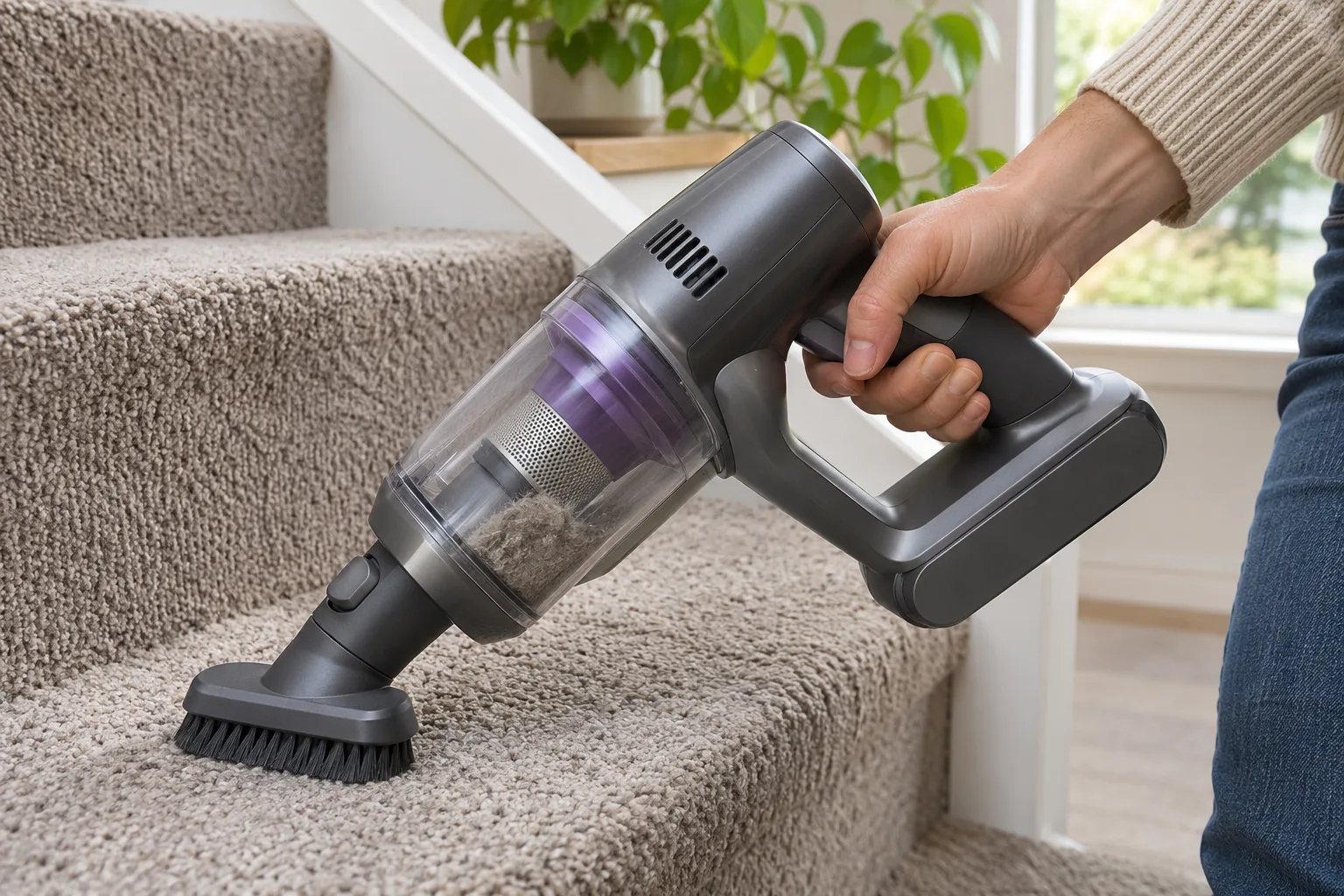 For stairs, check the handheld weight and the tool you will actually use. Credit: Product Inspector.
For stairs, look at the complete setup. A corded cleaner may have a detachable body or enough hose reach, while a cordless may convert to a handheld with a powered stair tool. Neither feature is guaranteed. Work out where the body will sit securely and whether you can clean without stretching the hose or balancing a heavy machine on a step.
The terms are separate: corded or cordless describes power; upright, cylinder or stick describes the shape. Bagged and bagless are another choice again. Do not buy the wrong shape because you have already decided on a battery.
Pickup, pet hair and emptying need their own comparison
A higher wattage is not a cleaning score, and suction figures from different brands are not a substitute for how the head works on your floor. Look for applicable cleaning results, effective hair removal, edge reach and tools for the jobs you need. A capable cordless can clean well; an unsuitable corded head can still be hard work on a particular carpet.
Capacity also belongs to the model, rather than the power source. A compact bagless machine may need emptying partway through a session. A bagged machine needs replacement bags, but those are not limited to corded vacuums: cordless bagged designs such as the Halo Capsule XR exist too.
An automatic emptying dock reduces daily trips to the bin, but adds a larger unit to store and its own tank or bag to maintain. It does not clear the brush-roll or wash filters for you. If loose dust during emptying bothers you, compare the whole disposal system and its seals rather than assuming “cordless” or “bagless” solves it.
Measure the storage and check the later costs
Choose a parking place before choosing a dock. Check the footprint, height and clearance needed to lift the vacuum out, plus access to a socket. Some wall mounts need fixing to the wall; some sticks cannot stand unsupported. A freestanding dock may be easier to place but still occupies floor space.
A corded cylinder also needs room for its hose and tubes. A tidy-looking cupboard can become frustrating if taking the vacuum out means unpacking everything around it. The easiest machine to use is often the one you can reach and put away without a struggle.
For cordless, check the price and availability of a genuine compatible replacement battery, its warranty cover and how replacement is done. Batteries can lose useful capacity over time, but there is no honest universal replacement interval for every home. Do not assume a new battery is needed every year, or that a cheap third-party pack is equivalent to the specified one.
Both types need normal care. Check bags, filters, brush-roll access and service parts. Follow the exact manual for washable components and let them dry fully where required. Keeping an otherwise suitable existing vacuum may be better value than buying a second machine merely to remove its cable.
A practical way to choose
- List the longest session you want to finish. Include stairs and upholstery, not just open floor space.
- Check reach and handling. For corded, walk the socket route; for cordless, check usable runtime and the weight in your hand.
- Check the whole ownership cost. Compare the actual bundle, storage, bags, filters and any later battery.
Choose corded if sustained sessions matter most and its cable route and handling are manageable. Choose cordless if easy access and movement will make regular cleaning simpler, and the exact model can finish your usual jobs. A second vacuum is worthwhile only if it solves a clear problem your main one cannot.
Sources and checks
- Dyson battery care: check how power modes, storage and battery condition affect use; follow your own model's instructions.